The Complete Guide to First-Contact Resolution in Customer Support

A customer reports "the app is broken." Your support agent asks what browser they're using. Two days pass. The customer responds. The agent asks for a screenshot. Another day passes. By the time anyone understands the actual problem, a week has evaporated and the customer is already drafting a cancellation email.
This back-and-forth is the single biggest drain on support team productivity. In this guide, we cover what first-contact resolution actually means, why it matters, and seven strategies to eliminate unnecessary exchanges from your support workflow.
What is first-contact resolution in customer support
To reduce back-and-forth in customer support tickets, the most effective approach combines better self-service options, smarter ticket routing, and (most importantly) capturing complete technical context automatically so agents never have to ask "what browser are you using?" in the first place.
First-contact resolution (FCR) is exactly what it sounds like: resolving a customer's issue in a single interaction without follow-up exchanges. It's the opposite of those frustrating email chains where agents keep asking for more information before they can actually help.
Why reducing back-and-forth matters for support teams
Every unnecessary exchange creates friction. Customers grow frustrated waiting for answers while agents spend their time playing detective instead of actually solving problems.
Faster resolution times improve customer satisfaction
When customers get their issue solved in one interaction, they walk away thinking "that was easy." When they're still emailing back and forth three days later, they're thinking about your competitors.
Fewer exchanges free up agent capacity
A support team handling 500 tickets per week with an average of 4 exchanges per ticket is doing 2,000 interactions. Cut that average to 2 exchanges and you've freed up half your team's capacity, without hiring anyone.
Complete context reduces escalations to engineering
When support agents have full technical context upfront, they can often resolve issues themselves. Without that context, they escalate incomplete tickets to developers, who then have to ask the same clarifying questions all over again.
7 strategies to reduce back-and-forth and achieve first-contact resolution
Each of these tactics addresses a specific cause of multiple exchanges. Some eliminate the need for follow-up questions entirely. Others ensure agents have what they need from the start.
1. Capture complete technical context automatically
The primary cause of back-and-forth is missing information. Agents ask for browser version, error messages, and steps to reproduce because customers rarely include these details on their own. Why would they? Most people don't know what information support teams actually need.
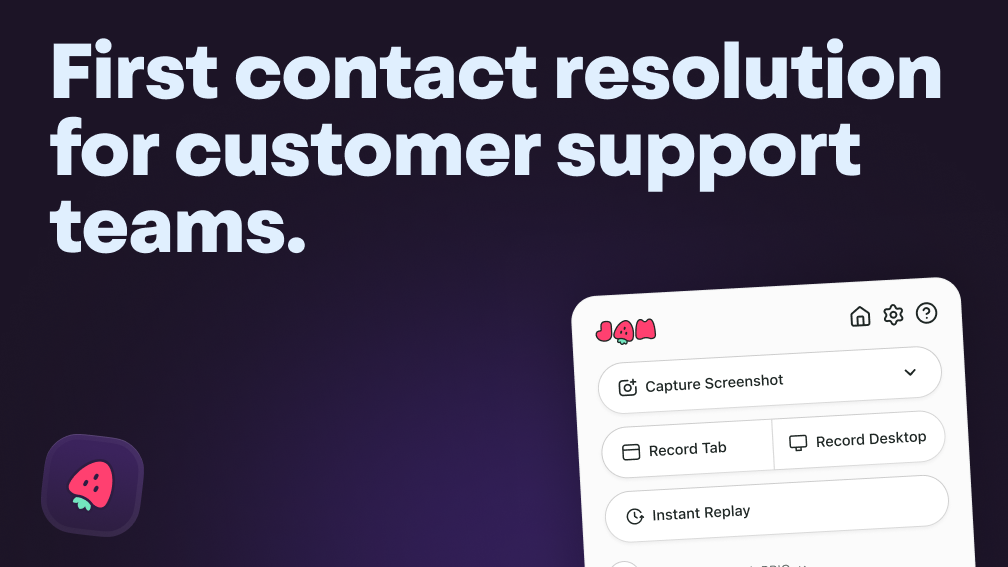
Automatic context capture solves this problem at the source. Tools like Jam grab technical data with one click:
- Console logs: JavaScript errors and warnings that explain why something broke
- Network logs: Failed API calls and response codes that pinpoint server-side issues
- Device details: Browser, OS, and screen size that help reproduce environment-specific bugs
When this information arrives with the ticket, agents skip the interrogation phase entirely.
2. Build a searchable self-service knowledge base
A knowledge base is a library of articles answering common questions. Customers who find answers themselves never submit tickets in the first place, which can reduce overall volume by 30 to 40 percent before it hits your queue.
Effective knowledge bases include troubleshooting guides, step-by-step how-to articles, and FAQs organized by feature. The key is making content searchable and keeping it updated as your product changes. Outdated articles are sometimes worse than no articles at all.
Complete documentation also helps you leverage the full capabilities of AI tools, according to Sunny Ellis, Director of Support at Givebutter,
“If your documentation isn’t organized or complete, get that in order first. It’s only as good as what you feed it.”
 Yash Bagal
3. Use standardized ticket templates with required fields
Ticket templates prompt customers to provide essential information upfront. Instead of a blank text field that invites vague descriptions, templates ask for specifics.
A simple template might include:
- What were you trying to do?
- What happened instead?
- What browser and device are you using?
- Can you share a screenshot or recording?
This won't capture everything, but it's a significant improvement over starting from zero.
4. Implement proactive in-app bug reporting tools
Embedded bug reporting within the product captures context at the moment of the issue. This is far more effective than after-the-fact email reports, where customers have already closed the tab showing the error and forgotten half the details.
When a user clicks a "Report Bug" button inside your app, the right tools automatically attach technical data - no manual copying of URLs or describing what they clicked.
5. Train agents to ask diagnostic questions on first contact
When automatic capture isn't available, agents can still minimize exchanges by asking comprehensive questions in their first response.
Effective first-response questions include:
- Can you share the URL where this occurred?
- What account or user was affected?
- When did you first notice this issue?
- Have you tried any troubleshooting steps already?
The goal is gathering everything in one round instead of spreading it across multiple exchanges.
6. Integrate support tickets with engineering workflows
Connecting support tools like Zendesk or Intercom with engineering tools like Jira, GitHub, or Slack reduces handoff friction. When tickets flow directly into developer queues with full context attached, engineers don't have to ping support asking for clarification.
This integration also closes the loop. When a fix ships, support can automatically notify affected customers without manually tracking which tickets relate to which bugs.
7. Deploy AI-powered triage and response suggestions
AI can analyze incoming tickets to suggest relevant knowledge base articles, auto-categorize issues, and draft responses. This gives agents a head start on every ticket rather than starting from scratch.
How customer context eliminates unnecessary support exchanges
Incomplete bug reports are the primary driver of multiple exchanges. The difference between a ticket with context and one without is dramatic.
Let's break it down:
Device and browser information
Browser version, operating system, and screen resolution matter because many bugs are environment-specific. A layout that breaks on Safari might work perfectly on Chrome. A feature that fails on mobile might run fine on desktop.
Console and network logs
Console logs capture JavaScript errors, warnings, and debug output from the browser. Network logs record HTTP requests, response codes, and timing for every call to your servers.
Reproduction steps and user actions
Knowing exactly what the user clicked or typed before the issue occurred eliminates the "what were you doing when this happened?" question. Session replays or automatic step tracking capture this sequence without requiring users to remember and describe it themselves.
Screenshots and session recordings
Visual evidence removes ambiguity. A screenshot showing an error message is worth multiple email exchanges trying to describe it. A recording showing the exact click sequence that triggers a bug is even better.
Metrics for measuring resolution success
First-contact resolution rate
FCR rate is the percentage of tickets resolved in a single interaction. To calculate it, divide tickets resolved in one exchange by total tickets. Most teams count tickets closed after a single agent response without customer follow-up.
Average exchanges per ticket
This metric tracks the mean number of messages between customer and agent before resolution. Lower is better. If your average sits above 3, there's significant room for improvement through better context capture.
Mean time to resolution
Mean time to resolution (MTTR) measures the average time from ticket creation to closure. More exchanges means longer resolution times, so this metric often improves alongside FCR rate.
Customer satisfaction score
Customer satisfaction (CSAT) comes from post-resolution survey ratings. Customers who experience less friction consistently rate their support experience higher. Research shows a 1:1 correlation between FCR improvement and CSAT scores - for every 1% increase in FCR, CSAT increases by 1%. Tracking CSAT alongside FCR helps confirm that faster resolution actually improves the experience rather than just rushing people through.
Escalation rate
Escalation rate is the percentage of tickets that require escalation to engineering or senior agents. High escalation rates often indicate incomplete context in initial reports - agents escalate because they don't have enough information to resolve issues themselves.
FAQs about first-contact resolution in customer support
What is a good first-contact resolution rate for software support teams?
Most software support teams aim for FCR rates above 70%, though this varies based on product complexity. Teams supporting simple consumer apps often achieve 80% or higher, while enterprise software with complex integrations might target 60-70%.
How do support teams calculate first-contact resolution rate?
FCR rate equals tickets resolved in one interaction divided by total tickets, expressed as a percentage. The definition of "one interaction" varies - most teams count tickets closed after a single agent response without customer follow-up.
What are the most common causes of low first-contact resolution rates?
The primary causes are incomplete bug reports missing technical context, inadequate agent training, and poor knowledge base coverage. Of these, missing context is typically the biggest factor. Agents can't solve problems they don't fully understand.
How does first-contact resolution differ from first response time?
First response time measures how quickly an agent replies to a new ticket. First-contact resolution measures whether that first interaction actually solves the customer's problem. A team can have excellent first response time - replying within minutes - but poor FCR if those quick replies are just asking for more information.